
Up and running in minutes.
Four simple steps to master XPIRAX at your counter.
Making your first sale
Scan items, take cash/card/transfer, and print receipts.
Adding products & stock
Import items, assign barcodes, and set low-stock alerts.
Cash drawer & day-end
Open cashier shifts, log cash drops, and run Z-reports.
Printers & scanners
Pair USB or Bluetooth thermal printers and barcode scanners.
Sign in & choose your branch
Log in with your staff PIN or email, select your active branch register, and set your opening cash float.
- Works offline immediately after first sign-in
- Role-based permissions for cashiers, waiters, and managers
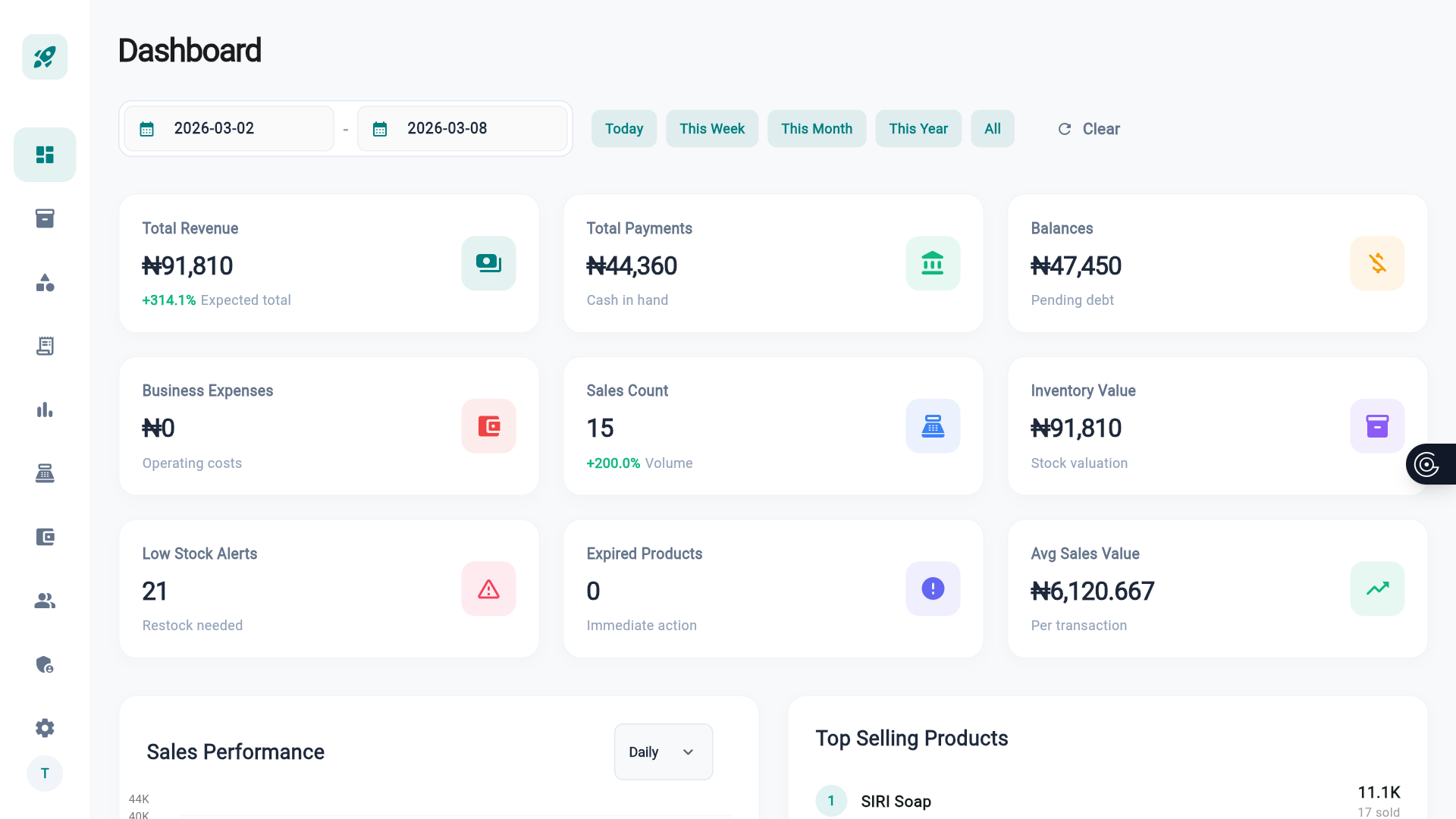
Add products & barcode SKUs
Add items one by one or import a spreadsheet. Attach barcodes, prices in Naira (₦), and low-stock thresholds.
- Supports variants, recipes, and hotel room rates
- Syncs across all branches and your online store automatically
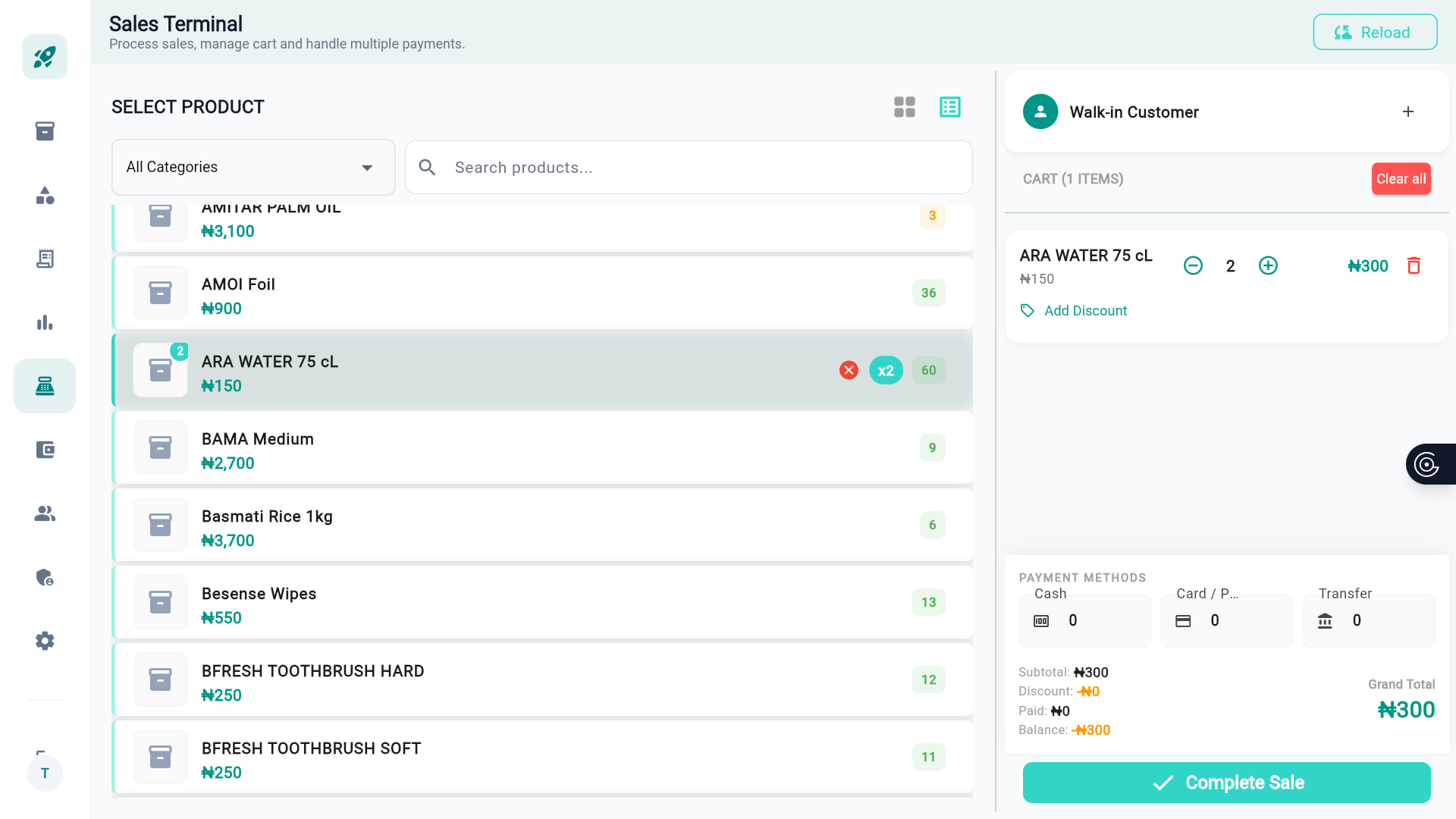
Ring up sales & split payments
Scan or tap products to build the cart, apply discounts if needed, and close with cash, card, or bank transfer.
- Combine cash + transfer on a single receipt
- Hold orders or send directly to the kitchen screen
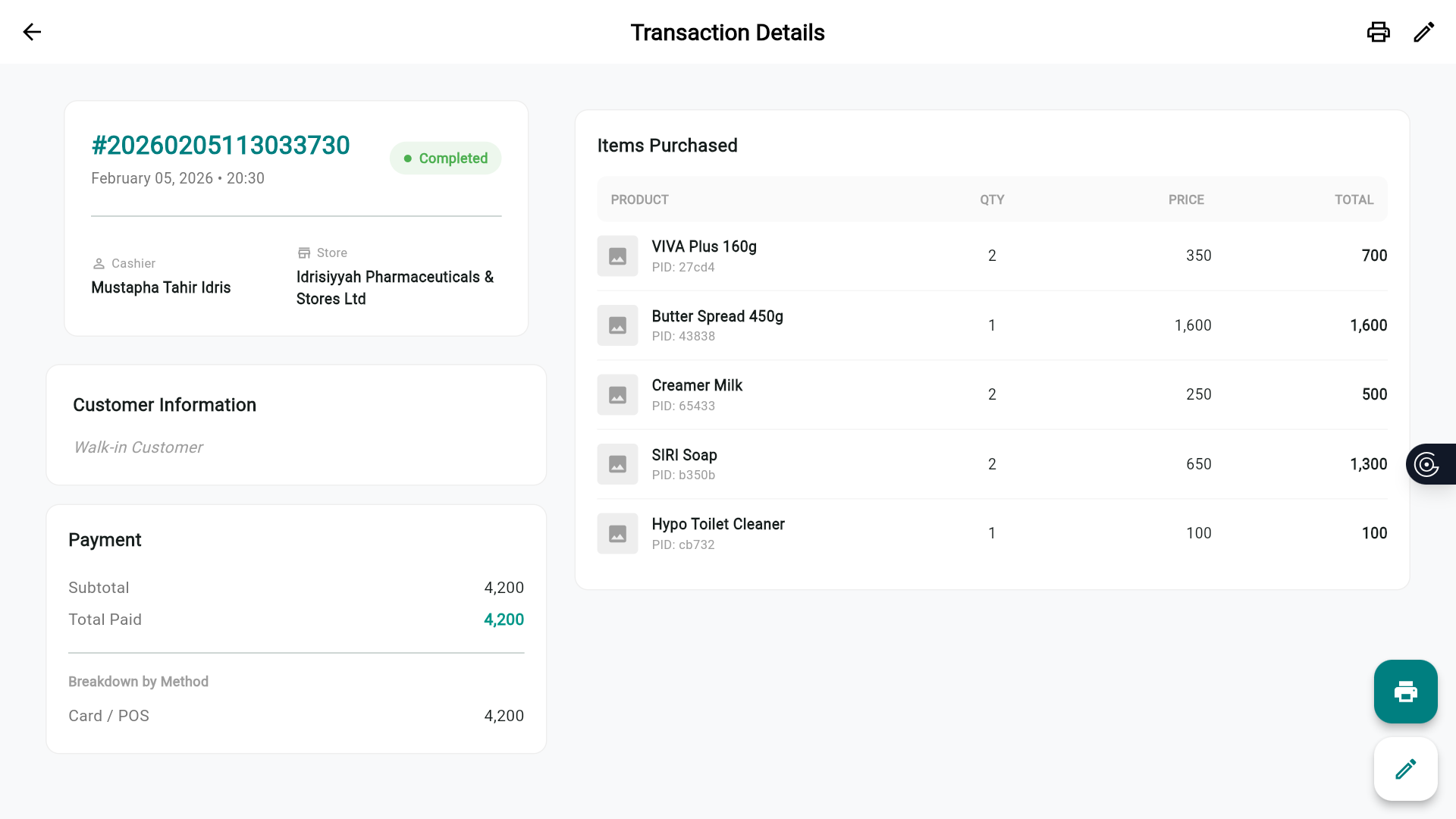
Connect printer & print receipts
Plug in any 58mm or 80mm ESC/POS thermal printer via USB, Bluetooth, or LAN for instant branded receipts.
- Automatic cash drawer kick via RJ11 cable
- One-click reprint or WhatsApp digital receipt
Still need help?
Our support engineers reply in under 15 minutes on WhatsApp.
A ṣetán nígbàkígbà tí o bá ṣetán.
Bẹ̀rẹ̀ lọ́fẹ̀ẹ́ fún ọjọ́ 14.